
North Carolina City Directory Holdings
North Carolina does not have one shelf or website with an uninterrupted printed series for every town. A volume is usually tied to one place and one publisher's run. Catalogs may list Polk, Hill, R.L. Polk, telephone, chamber, business, or local directory volumes, but the exact years must be checked against the holding library. The State Archives and Government and Heritage Library form a statewide starting point for historical research, while city and county libraries hold many of the actual local runs. Confirm the city named on the cover, since a town name may be shared by more than one county.
| Collection | Years | Where Held | Access |
|---|---|---|---|
| Polk, Hill, R.L. Polk, and local printed listings | City-specific, commonly late 19th and 20th century; exact run varies | Public libraries, university special collections | Catalog, local-history room, microfilm, or digitized copy |
| Reverse and criss-cross directories | City-specific years; no statewide year list | County or city library, university library | Search by street or house number; some databases require library access |
| NC Digital Collections historical material | Item-specific; estate records include 18th-century material | State Library and State Archives collections online | Free browse and search; item rights vary |
| Telephone books and related local listings | Title and city-specific; verify with the holding catalog | Local-history rooms, university and regional collections | Often onsite; some digitized or licensed copies |
These rows describe record families, not a promise that a particular town has every volume. The statewide sources do not publish a complete publisher-by-publisher year table for all North Carolina municipalities. A blank year may reflect a gap in publication, a missing or uncataloged copy, or a run held somewhere else. Ask the library to check nearby years and alternate titles before treating a gap as final.
Where North Carolina City Directories Live
The North Carolina Digital Collections site gathers State Library and State Archives material such as family records, estate papers, voter registrations, tax lists, naturalization records, court records, maps, and oral histories. It is a useful statewide search point, though not a complete online shelf of local directory books. Search by a family name, town, county, or collection title, and open the item record to see whether it has a scan, text, or only a catalog description. Dates and image rights vary by item.
The State Archives collections overview describes government records, maps, newspapers, military records, and family and organization collections. Its holdings can add context when a directory entry leads to deeds, estate files, or local maps. The Government and Heritage Library's Tracking North Carolina Ancestors guide points to further state and county sources. DigitalNC also hosts newspaper and cultural collections contributed by local partners, which can help place a name and street in its local setting. The official NC Digital Collections search is available online for family, court, tax, estate, map, and other material.
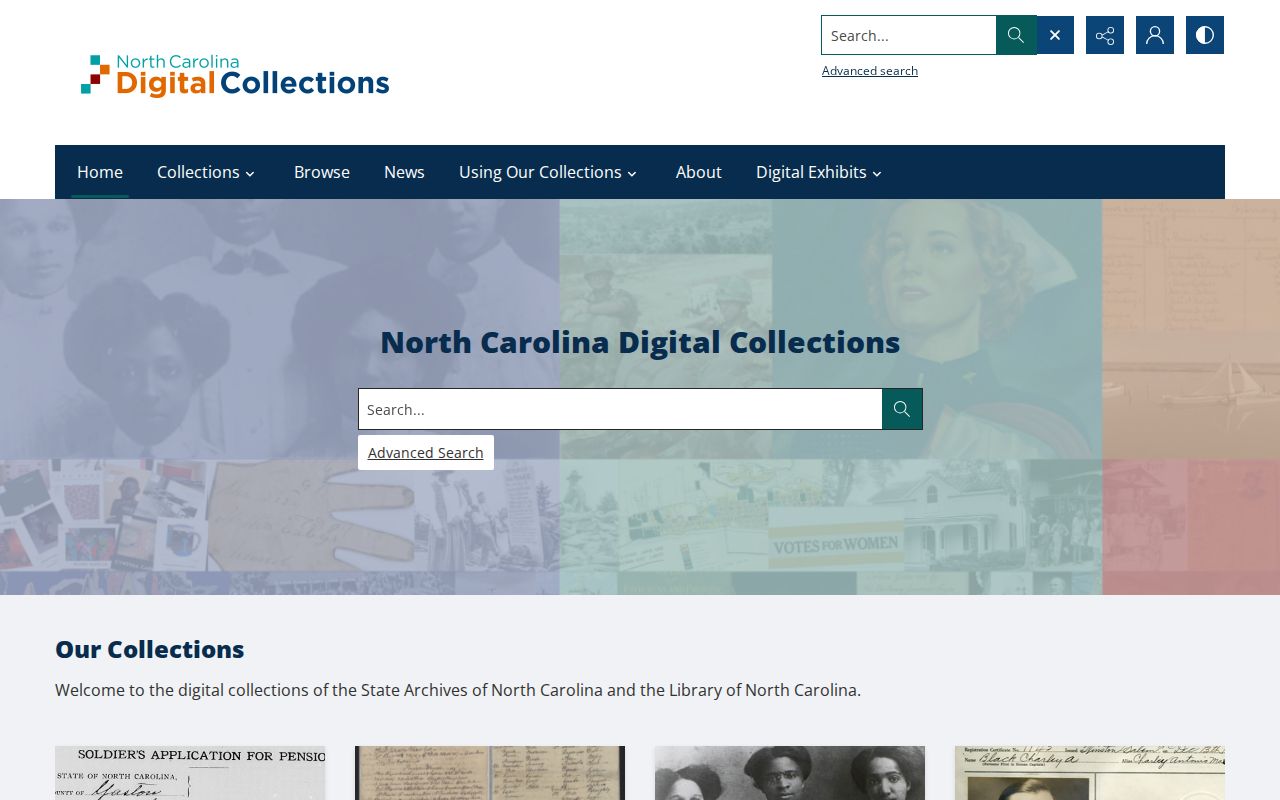
The online collection spans many record types, so a search result should be checked for its town, date, and source before it is treated as a directory entry.
Local Shelves for North Carolina City Directories
A local public library is often the best place to learn which directories exist for one town. Ask for the local-history or genealogy desk and name the place, the rough years, and the format you need. A librarian may check the catalog, a microfilm list, vertical files, or a neighboring system's holdings. No statewide directory roster or shared library schedule was found, so hours, reader equipment, appointment rules, copying, and remote database access must be confirmed with each institution.
Search for related titles as well as the words “local directory.” A library may file a reverse directory separately, or describe telephone books, yearbooks, newspapers, obituary indexes, funeral-home clippings, cemetery books, and Sanborn maps under local history. Some systems offer Ancestry Library Edition or HeritageQuest only onsite, and license terms differ. University special collections can hold a city run or a regional collection that is not in the public library catalog. Ask whether a scan, reference lookup, or interlibrary referral is available when travel is not practical.
North Carolina Yearbooks Beside City Directories
A school yearbook, church register, newspaper, cemetery index, or oral-history collection can help identify a person who appears only once in a directory. These records are held by different local libraries, churches, archives, and community groups, so no one catalog covers the state. The Government and Heritage Library and DigitalNC can point toward statewide or partner collections, while county and university catalogs describe the material they hold. Search by town and county as well as by a person's name.
For reconnecting with a former classmate or researching a family story, treat a directory address as a lead to a dated source, then compare the name and year with a yearbook, newspaper notice, or family record. A church, civic, ethnic, or veterans' organization may have minutes, newsletters, or photographs in an archive, but member rosters are generally not public. Ask for a finding aid or a reference lookup instead of assuming a private list can be browsed.
Read the Marks in North Carolina Directories
A North Carolina volume may list a person alphabetically, then give an address, occupation or business, spouse in parentheses, employer, and phone number in later editions. Some books have a street-order section that lets a reader start with an address instead. The publisher's front matter is key: it may define “h” for home, “r” for residence or renter, and terms such as “wid,” “bds,” “removed,” or “see.” Marks are not uniform across publishers or years. Treat each abbreviation as unknown until the key for that volume confirms it.
| Name | Printed surname and given name or initials; spouse may appear in parentheses |
|---|---|
| Occupation or business | May name a trade, employer, firm, or classified listing |
| Address | House number and street; notation may distinguish home, residence, or boarding |
| Owner or renter mark | Some publishers use a mark; confirm its meaning in that book's key |
| Household note | “Wid,” boarder, lodger, or a “see” cross-reference may appear |
- Criss-cross directory
- A street-by-street list that lets a researcher start with a house number or business address, then read the name attached to it.
- Householder index
- An alphabetical name list, often paired with a street index; publishers use different labels and layouts.
- Abbreviation key
- The publisher's list of short forms and symbols, usually near the front matter. Read it before interpreting an entry.
Image scans can help with a hard-to-read mark, but optical text search may miss initials, punctuation, Black neighborhood sections, or numbers. Check the page image and any index together.
North Carolina City Directory Search Clues
A reverse or criss-cross volume can turn a known address into a name, especially when a person no longer appears under the same surname. It may list an occupant or business rather than the owner. Start with the street index, copy the full street name and number as printed, then compare nearby entries. If an address is absent, try an earlier or later book and check for a separate reverse volume. Do not assume the street number stayed fixed when a town changed names or numbering.
Directories work best beside other local sources. A street entry can be compared with a census household, deed or tax record, newspaper notice, obituary, or cemetery register, but each answers a different question. A census gives a household snapshot at its census date; a deed names parties to a land transfer; a directory records a publisher's annual listing choices. None alone proves everyone who lived at an address through the year.
North Carolina Archives and Resident Trails
North Carolina's State Archives has preserved government and cultural records since 1903. Its statewide holdings include county court and estate papers, land indexes and microfilm, marriage material, maps, newspapers, military records, and family or private collections. County coverage is uneven: the Archives holds records from almost all current counties and six defunct counties, while original deed books usually remain with county Registers of Deeds. State Archives microfilm and indexes can still bridge a local search when an online county index stops. The Search Room is at 109 E. Jones St. in Raleigh; confirm current research access before a visit.
That history matters when a local volume leaves a gap. Try the State Archives Search Room and the Government and Heritage Library catalog and Ask a Librarian service, then contact the local library or county office that holds the original series. These routes can move a directory name into a wider family or community record trail, but they do not create a single statewide run. The State Archives collections page shows maps, newspapers, family records, and government material that can place a historical entry in context.
For county-specific records, use the local catalog or ask an archivist which copy, index, or microfilm series covers the county and years in question.
Tracing North Carolina City Directories
For family history, follow a name across editions but keep a note of every town, county, spelling, and page. The listing is an annual record when a publisher issued it, not a complete population list. Women may appear under a spouse's name, and children, rural residents, transient people, or people between editions may not appear at all. Changes in address or household notes can point to a question worth checking in another source.
- Write down the exact town and county named on the book, plus the edition year, page, spelling, initials, address, spouse, and any cross-reference.
- Read the publisher's abbreviation key, then check one or two earlier and later years for changed addresses, a new spouse entry, “removed,” or “see” notes.
- Use a reverse directory to search an address when the name vanishes, and keep its occupant listing separate from deed ownership.
- Pair directory years with federal census years, remembering that census boundaries and release dates affect what can be compared.
- Check a newspaper, obituary index, probate file, cemetery register, deed, or tax record to test what the directory suggests.
A missing name does not by itself show that someone died or left town. The publisher may have skipped an edition, the person may be listed under a different spelling or household member, or the street may have been renamed or renumbered. Track the source of each fact and treat a directory entry as one dated clue, not a final answer.